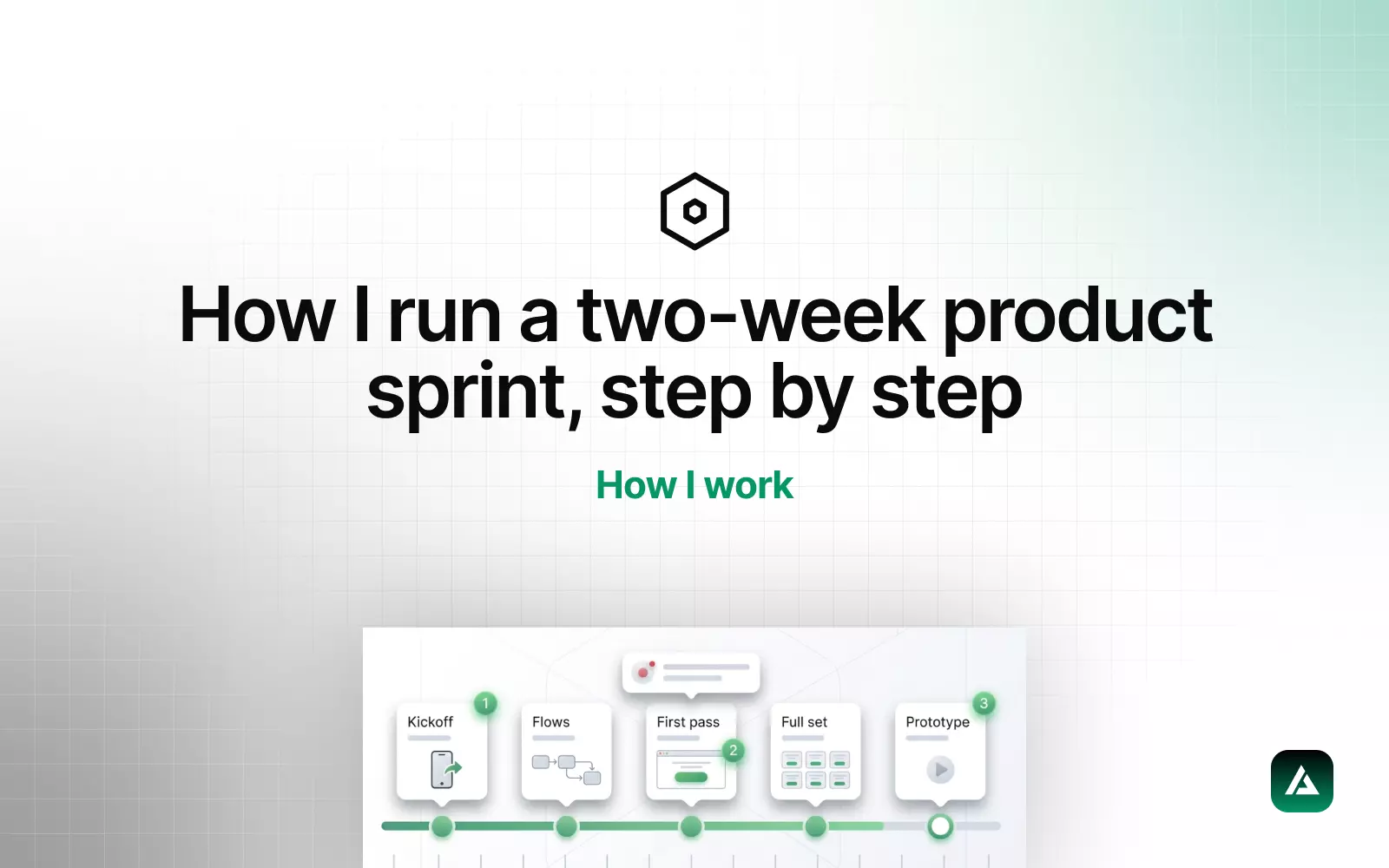
Founders ask the same question in every first call, usually politely: what actually happens after we pay you? Fair. Here is the whole process for a two-week product sprint, with nothing left out, because the process is the product I sell.
Before day one: the 30-minute kickoff
One call, three questions. Who is the user and what are they trying to get done. What has to be true for you to call this sprint a success. What already exists: brand, old designs, a working product, a napkin. I record it, and I do not schedule a second meeting. Everything else in the sprint is asynchronous by design, which is how a single senior designer keeps a founder's calendar intact.
By the end of that day you get a one-page sprint brief back: the scope in plain sentences, the screens I will design, and the two or three things I am explicitly not doing. Scope creep dies in writing.
Days 1-2: flows before pixels
I map the core user flow as boxes and arrows in Figma, one board, nothing pretty. Every screen that will exist is a box; every decision the user makes is an arrow. This takes a day and prevents the most expensive mistake in product design: beautifully finishing a screen that should not exist.
You get a Loom walking through the flow. Your job is to say "yes" or "no, the user would never do that here". Ten minutes of your time, and it is the highest-leverage ten minutes of the fortnight.
Days 3-6: the first pass
I design the two or three screens that carry the most risk first, usually the dashboard and the main action, in full fidelity. Not wireframes. Wireframes generate feedback about wireframes; real UI generates feedback about the product.
The Figma file is set up the way it will be handed off from the first hour: pages for flows, screens, and components; a small local token set bound to variables; auto layout everywhere. Structure is free on day three and expensive on day twelve.
How feedback works
Every review is a Loom under five minutes plus comments in Figma. You reply in Figma or in a Slack thread whenever suits you. No review meetings unless something is genuinely stuck, and in two years that has happened twice.
Days 7-9: the full set
With the risky screens agreed, the rest of the flow goes fast, because the language is settled: spacing, type, components, states. This is where the screen count climbs, 5-10 screens a week on a sprint, and where the design system starts to pay for the time it cost on day three.
Empty states, loading states, and error states are designed here, not "later". Later never comes, and developers end up inventing them at 11pm.
Days 10-12: prototype and pressure test
I wire the screens into a clickable Figma prototype and walk the main flow as the user, out loud, on Loom. It is astonishing how many issues surface the first time you actually try to complete the task instead of admiring the screens. You get the prototype link to click through and to show to whoever you need to convince: co-founders, investors, an early customer.
Days 13-14: handoff developers actually use
The handoff is not a file link and a wave. It is:
- Figma organised by flow, with every component in the local library and every colour, size, and radius bound to a variable
- A short written spec for anything a screenshot cannot say: logic, edge cases, what happens when the list is empty or the name is 60 characters
- A 10-minute Loom for the developer, walking the flow in build order
- Two weeks of async questions included, because the first week of build always raises three
If I am also building it, this step mostly disappears, which is a large part of why I offer that.
What I need from you
Honestly, not much: the kickoff call, answers within a day when I ask, and the courage to say "I do not like this" early rather than politely late. Sprints fail on slow feedback far more often than on bad design.
That is the whole thing. If it reads like something you could use, the discovery call is where it starts.