You built the app in a few weekends with Lovable or Bolt, and it works. Then you put it next to three other products built the same way and they look like siblings: the same gradient, the same cards, the same greys. The AI tool is not bad at design. It starts from the same defaults as everyone else, and nobody told it what your product should look like. Here is why that happens, the tells users notice, and the fixes I make first.
Why AI-built apps all look the same
Three things stack up.
- Everyone starts from the same kit. Lovable and v0 generate React with Tailwind CSS and shadcn/ui components, and Bolt and Cursor projects often end up on the same stack with Lucide icons. It is a good stack, which is exactly why it is everywhere. Out of the box, every app on it shares the same greys, radius, shadows and type.
- The model gives you the average. Ask for a landing page for a SaaS and you get the most likely landing page: a centred headline, a pill badge above it, two buttons and three feature cards. Probable is the opposite of memorable.
- Every prompt starts from the prompt. Each new screen is generated from what you asked for and whatever code the model happens to read, not from a set of design decisions. Spacing, colours and button styles drift a little with every prompt, and after fifty of them the app is generic and inconsistent at the same time.
Seven tells users notice
Users rarely say an app looks AI-generated. They say it feels unfinished, or they just leave. These are the patterns behind that feeling.
- The purple-to-blue gradient. On the headline, the primary button and the logo. It has become the default colour of generated UI.
- The template hero. A centred headline in gradient text, a pill badge above it, two buttons below, and no picture of the actual product.
- Three feature cards with icons in tinted squares. Same size, same weight, so nothing tells the visitor what matters most.
- Unthemed components. Slate greys, one radius, one soft shadow, and the brand colour used only on the primary button.
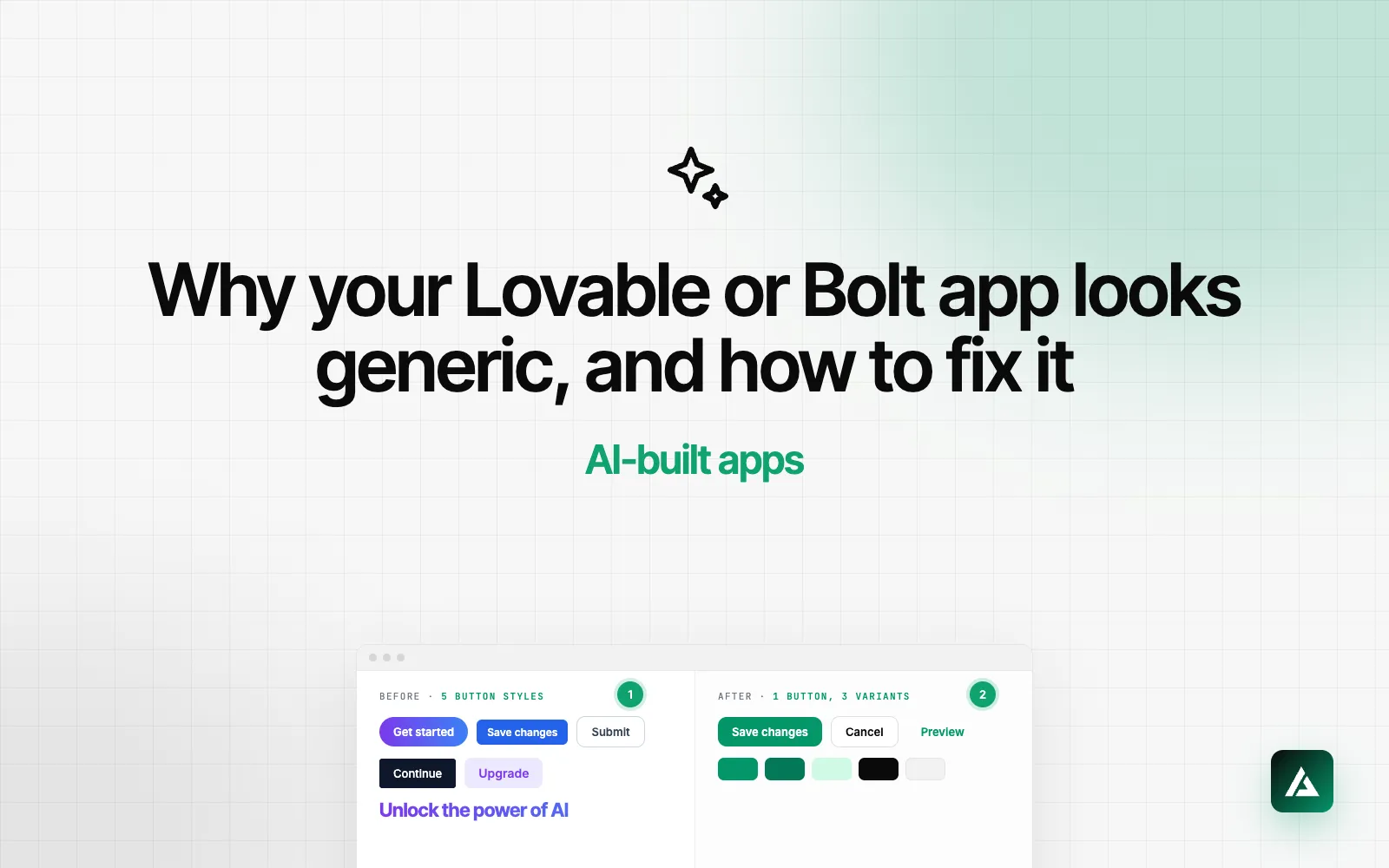
- The same action styled several ways. Save, Save changes and Submit, each with its own size and colour, on three different screens.
- Only the happy path. No empty states, no loading states and raw error messages, because nobody prompted for them.
- Copy that could belong to any product. Streamline your workflow. Unlock the power of AI. Neither says what your product does or who it is for.
One or two of these is fine. Plenty of good products run on shadcn/ui defaults. Four or more and users stop trusting what they see, and it hurts most at sign-up and checkout, where you ask for their data or their card.
The fixes, in the order I make them
None of these needs a rebuild. Most AI-built apps have sound logic under a messy interface, so the work happens in the UI layer.
1. Set a small token layer
Before touching a screen, decide the few values everything else uses: one brand colour with a strong and a soft variant, a neutral scale, a radius scale, spacing on a 4px grid and a short type scale. Put them in CSS variables and your Tailwind config, with names that say what they are for, such as primary, muted and border. shadcn/ui already reads its colours from CSS variables, so one good token file re-themes every component at once.
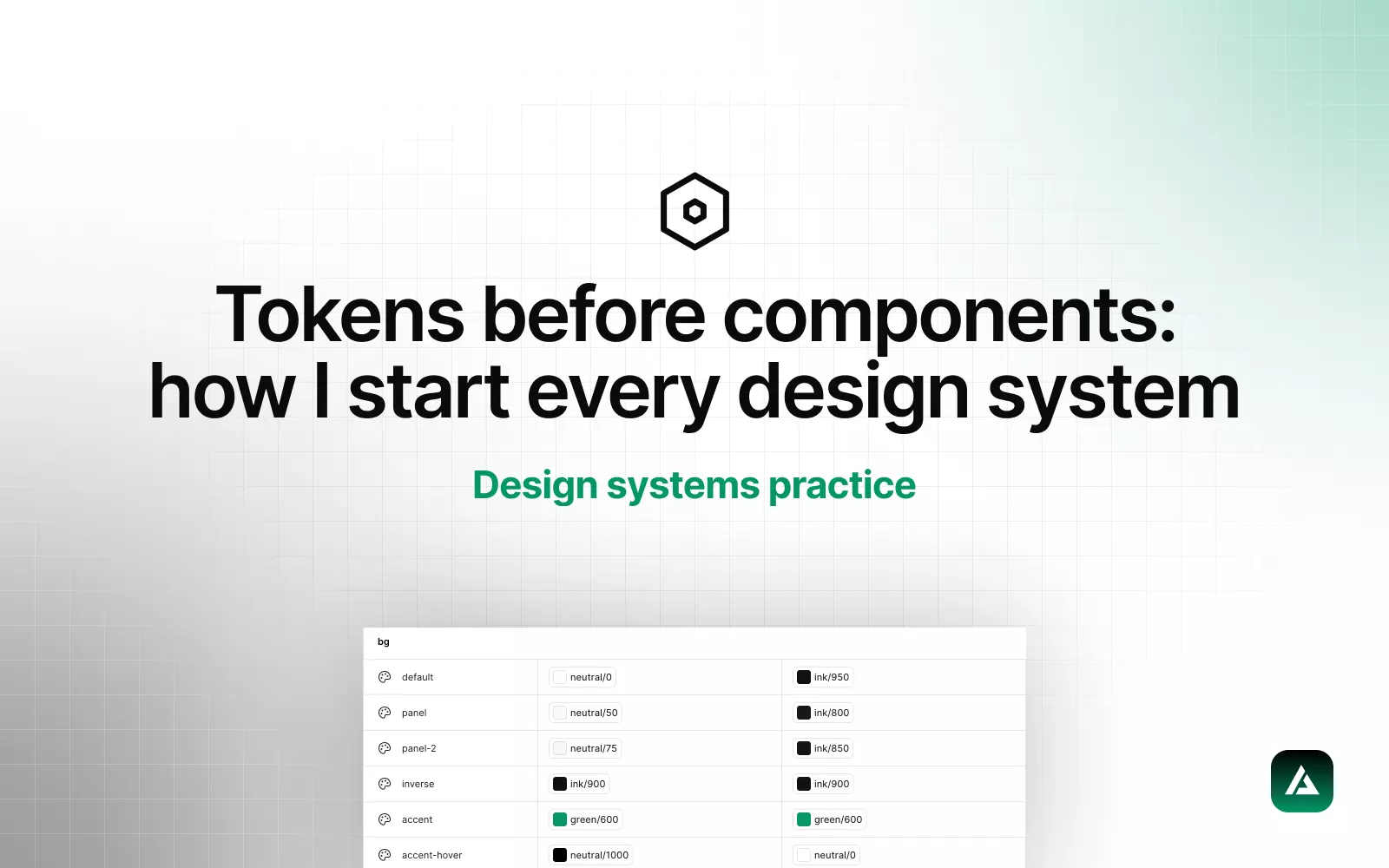
Use the brand colour with intent: primary actions, focus rings and the active item in the navigation. Neutrals do the rest. If the gradient has to stay, give it one place, not every headline. I explain the naming in tokens before components.
2. Change the type
Typography is the cheapest identity change there is. Keep Inter or a similar face for dense UI if you like it, but pair it with a heading face that has a point of view, and make the step from page title to section title to body text big enough to see. Generated screens often use sizes so close together that nothing leads.
3. Show the product and write specific copy
Swap the template hero for a real screenshot or a short loop of the product doing its job. Then rewrite the headline so it names who the product is for and what changes for them. A specific sentence beats a gradient every time.
4. Merge the duplicates
Search the codebase for buttons, inputs and cards. AI-built apps often end up with several versions of each, generated a few prompts apart. Keep one component per pattern with clear variants, such as primary, secondary and ghost, and delete the rest.
5. Design the states
Every list needs an empty state that tells a new user what to do first, every slow action needs a loading state, and every form needs one error style with messages a person wrote. This is where an app starts to feel finished.
6. Redesign the path to first value
If you redesign one flow, make it sign-up to the first moment the product is useful. Generated apps are built feature by feature, so this path is rarely designed as a whole. My SaaS UX audit checklist covers what to look for in onboarding.
7. Write the rules down for your AI tools
This is the step that stops the drift from coming back. Every one of these tools has a place for standing instructions: project knowledge in Lovable, the project prompt under Knowledge in Bolt, a rules file in .cursor/rules for Cursor, and CLAUDE.md for Claude Code. Keep it short and concrete.
A rules file that works
- Use colours only from the tokens in
globals.css. Never write raw hex values. - Use the
Buttonvariantsprimary,secondaryandghost. Do not create new button styles. - Space on the 4px grid: 4, 8, 12, 16, 24, 32, 48.
- Build every form from
Field, with one error style. - Give every new list an empty state and a loading state.
Lovable's own guidance on project knowledge makes the same point: exact values, such as your brand colours in hex, work, and vague requests for a nice colour scheme do not. I wrote up the rules file behind my own system in how I built GliaKit.
What to keep from the AI version
More than you might think. The data model, the routes, the business logic and the shadcn/ui base are usually worth keeping. shadcn/ui is not the problem; unthemed shadcn/ui is. The cleanup replaces the visual layer screen by screen on top of the tokens, so the app keeps working the whole time.
Questions founders ask
Can I make a Lovable app look professional without a designer?
Partly. Tokens, a better type pairing, specific copy and a rules file take an app a long way, and you can do all four yourself. A designer earns their fee on hierarchy and flows: deciding what each screen is for and what the user should do next.
Do I need to rebuild the app to fix the design?
Usually not. Most AI-built apps have working logic under an inconsistent interface. Keep the logic, set the tokens, and replace the UI one screen at a time.
Is shadcn/ui the reason my app looks generic?
No. It is a solid component library, and it is built to be themed. Apps look generic when they ship with its default theme, generated copy and template layouts.
Can I fix it with prompts alone?
You can re-theme an app with prompts, but without written tokens and rules each new prompt drifts back toward the defaults. Set the system first, then prompt on top of it.
If your app shows four or more of the tells above, my AI-built app cleanup covers the audit, the tokens, the core flows and the rules file, in a fixed scope after a free review.